CrowdStrike Blue Screen Incidents
CROWDSTRIKE BLUE SCREEN INCIDENTS
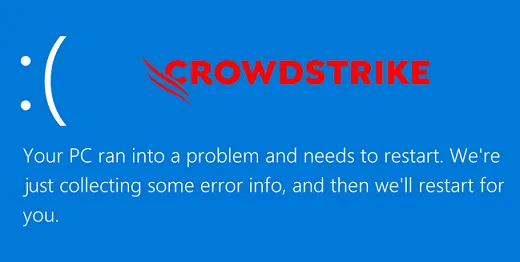
In recent days, many users encountered Blue Screen of Death (BSOD) errors caused by CrowdStrike’s security software. This incident led to severe disruptions across multiple sectors, including airlines, retail markets, and banking systems. It also shook user trust in security software. In this article, we examine the causes, impacts, and remediation steps for the CrowdStrike blue screen incidents.
What is CrowdStrike?
CrowdStrike is a cybersecurity vendor renowned for endpoint security solutions. The company’s flagship product, the Falcon platform, is recognized for advanced threat detection and prevention capabilities. Falcon leverages behavioral analysis and machine learning technologies to identify malware and cyberattacks.
Causes of the Blue Screen (BSOD) Outage
Blue Screen of Death errors occur when the operating system encounters a critical stop error, halting execution and forcing a system reboot. The primary factors behind the BSOD incidents involving CrowdStrike software include:
1. System Incompatibilities
Certain software updates from CrowdStrike may conflict with specific operating system configurations or hardware setups, triggering critical stop errors.
2. Software Conflicts
Security agents like CrowdStrike can clash with other endpoint protection tools or low-level system utilities, potentially causing kernel-level BSOD crashes.
3. Faulty Channel File Updates
Security software definition and content updates can occasionally introduce unforeseen defects. A recent channel file update pushed by CrowdStrike triggered widespread system crashes.
Impacts
The BSOD incidents resulted in severe business consequences:
- Operational Disruption: Crashes on critical servers and endpoints brought core business workflows to a standstill and drastically reduced productivity.
- Data Loss: Unsaved data during sudden BSOD events was lost, resulting in operational setbacks.
- Erosion of Trust: Customer confidence in automated security update pipelines was significantly impacted.
Workaround and Resolution
The interim workaround published by CrowdStrike involves booting into Safe Mode or Windows Recovery Environment and deleting files matching C-00000291*.sys under the C:\Windows\System32\drivers\CrowdStrike\ directory.